Creating a settlement invoice in Coretax DJP must follow the integration procedure for advance payments, DPP calculation, and system validation in accordance with the regulations of the Directorate General of Taxes. If you choose the wrong method or fail to tick the settlement feature, the data may become unsynchronized and create a risk of VAT Periodic Return (SPT Masa PPN) corrections.
Coretax has now become the main tax administration system under the Ministry of Finance. Therefore, understanding the settlement invoice process is not only a technical matter but also a matter of regulatory compliance.
Accessing the Settlement Invoice Menu in Coretax
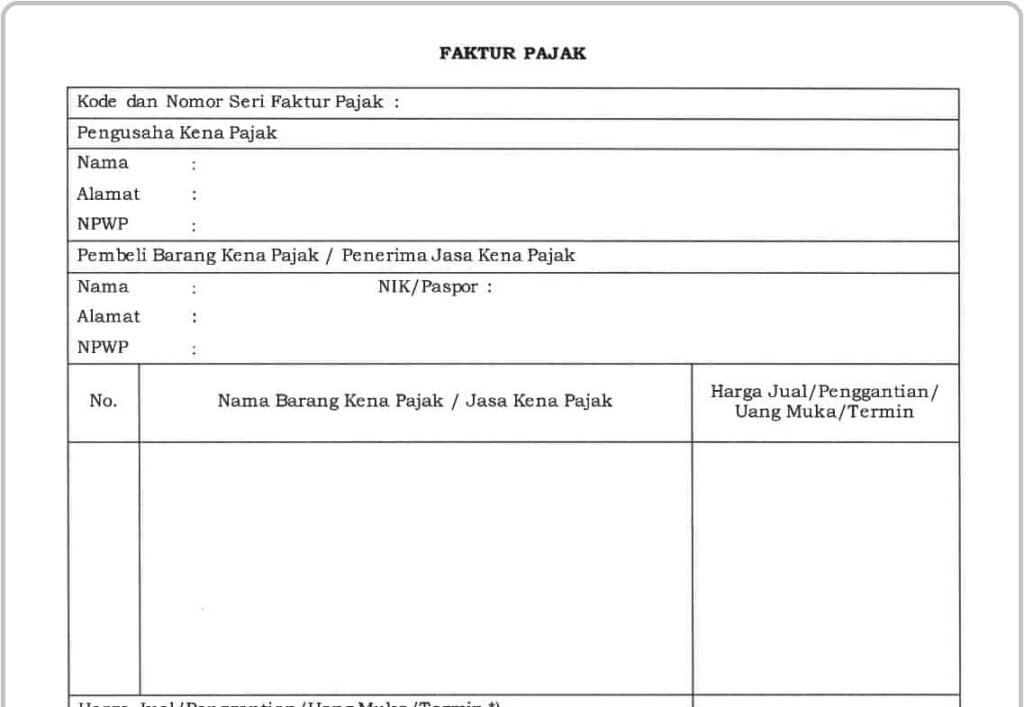
Here are the steps to access the Settlement Invoice menu in Coretax:
- Log in to the Coretax application.
- Select the e-Faktur menu, then click Output Tax.
- Click the Create Invoice button to begin.
At this stage, the system automatically prepares a 17-digit NSFP format, unlike e-Faktur Desktop, which still uses a manual 16-digit format.
Read Also: How to Create a Replacement Tax Invoice in CoreTax
Main Steps to Create a Settlement Invoice
If the advance invoice was created in Coretax, follow these steps:
- Tick the “Settlement” checkbox in the Transaction Document section.
- Enter the first advance invoice number.
- The system will automatically detect the previous advance payment value.
- Coretax will calculate the remaining DPP and VAT systematically.
The calculation uses the Other Value DPP scheme (11/12 of the transaction value) in accordance with applicable VAT regulations, including adjustments based on PMK 18/PMK.03/2021.
Before uploading, you can save the invoice as a draft. Re-verify the following:
- Buyer’s NPWP
- Invoice code (for example, 04 for advance/settlement)
- Transaction date
- DPP and VAT amounts
This validation is important to avoid corrections in the VAT Periodic Return (SPT Masa PPN).
Read Also: How to Create an Output Tax Invoice in Coretax DJP
Advance Payments from e-Faktur Desktop
If the advance invoice was created before 2025 using e-Faktur Desktop, the settlement cannot use the “Settlement” checkbox feature.
You must:
- Create the invoice as a regular tax invoice
- Input the full transaction value
- Calculate the DPP as 11/12 of the settlement amount received
This method prevents errors such as “FormFaktur not found” and avoids status mismatches due to the absence of automatic integration.
Differences Between Coretax and e-Faktur Desktop
1. Data Integration
Coretax provides automatic integration if the advance payment was created in the same system. Desktop does not have direct connectivity.
2. NSFP Format
Coretax uses an automatic 17-digit format, while Desktop uses a manual 16-digit format.
3. Synchronization and Corrections
Coretax ensures real-time status between seller and buyer. Desktop requires manual synchronization to prevent status discrepancies.
Impact on VAT Periodic Return (SPT Masa PPN)
Settlement invoices are directly connected to VAT Periodic Return (SPT Masa PPN) reporting. Errors in DPP calculation or failure to tick the settlement feature may result in:
- Underpaid VAT
- Incorrect VAT overpayment
- Amended VAT returns
- Potential administrative sanctions
Therefore, data accuracy and synchronization are crucial.
Common Challenges
Many taxpayers experience issues such as:
- Using the wrong method between Coretax and Desktop
- Misunderstanding the Other Value DPP calculation
- Unsynchronized invoice status
- Incorrect transaction codes
Small mistakes can have significant impacts on tax compliance.
Read Also: Purchase Invoice: Definition and Components
How We Can Help You
As a provider of accounting and tax reporting services, we at vOffice help ensure that every settlement invoice complies with regulations and aligns directly with your VAT Periodic Return.
Our tax consultants provide:
- Review of DPP and VAT calculations
- Invoice reconciliation with VAT reports
- Prevention of corrections and sanctions
If you want cleaner, more accurate, and lower-risk tax reporting, vOffice tax services are a strategic choice to support your business compliance.
Contact us for a FREE consultation!
FAQ: How to Create a Settlement Invoice in Coretax
Is it mandatory to tick the “Settlement” feature in Coretax?
Yes. If the advance payment was created in Coretax, the “Settlement” feature must be checked. Otherwise, the system will not automatically calculate the remaining Tax Base (DPP).
How do you calculate the DPP for a settlement invoice?
The DPP is calculated using the 11/12 scheme of the transaction value in accordance with the applicable VAT regulations.
Can settlement invoices from 2024 transactions be automatically integrated?
No. If the advance payment was created using e-Faktur Desktop, the settlement cannot be automatically integrated in Coretax and must be issued as a regular tax invoice.
What are the risks of incorrect settlement invoice input?
The risks include the need to amend the VAT Periodic Return (SPT Masa PPN) and potential administrative sanctions under tax regulations.
Does Coretax fully replace e-Faktur Desktop?
Coretax has become the main tax invoice administration system, while e-Faktur Desktop remains optional with mandatory data synchronization in accordance with the Directorate General of Taxes regulations.